Download the free QBR starter deck
The starter deck is five slides from the full kit: the cover, the agenda with the decisions you need, the customer's goals, the scorecard, and the mutual action plan. Each slide keeps its facilitator notes. It's a PowerPoint file that opens in Google Slides. No email needed.
Download the starter deck (.pptx) Or get the one-page scorecard
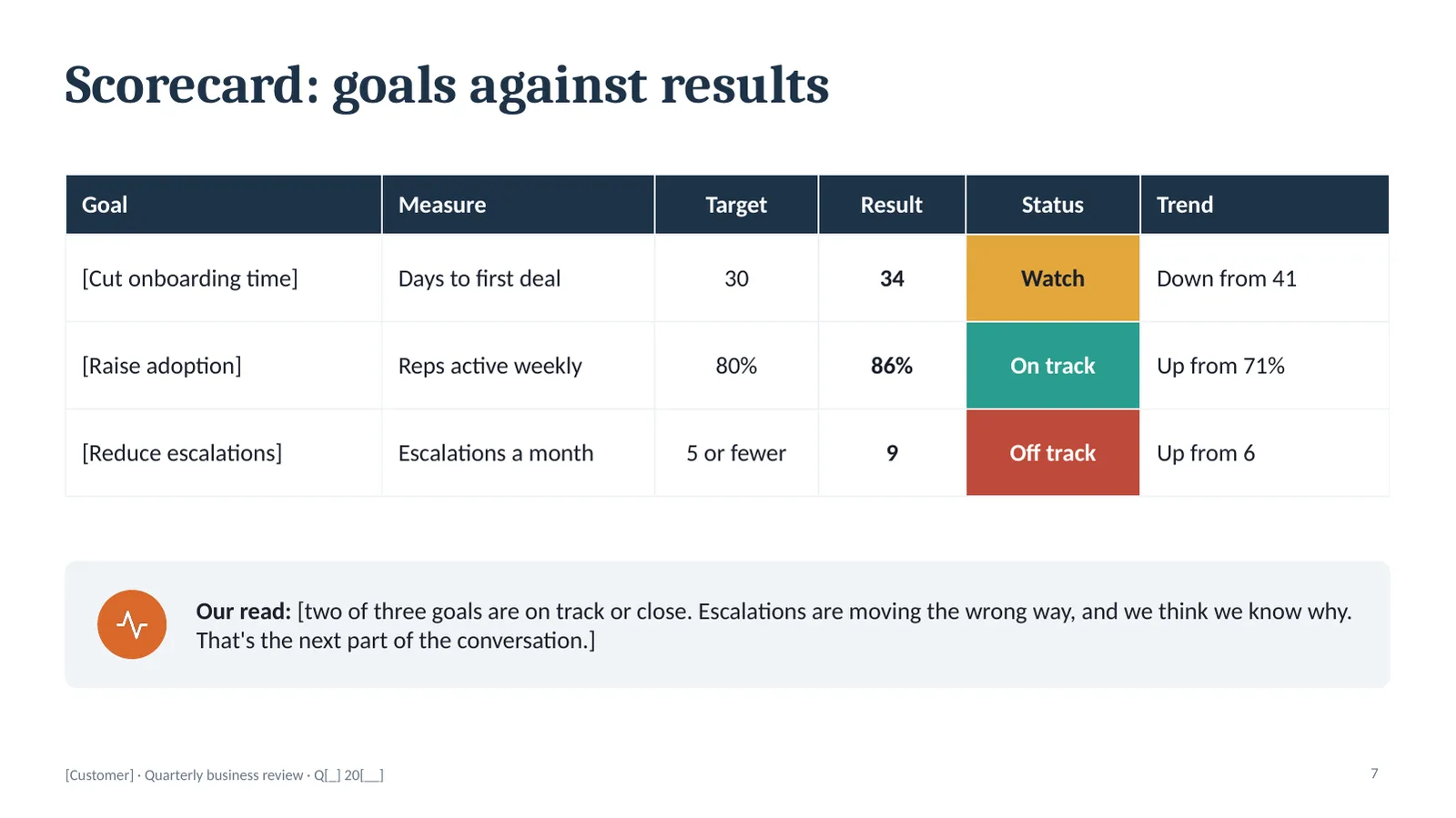
Five slides are enough to run a short, useful review: here's what you told us you wanted, here's where it stands, here's who does what next. If that's all your next QBR needs, you're done.
What the starter deck leaves out is the middle of the meeting. That's where the full kit earns its price.
All 15 slides in the full QBR kit
The slides run in meeting order. Every number and name is a placeholder in brackets, so you can see how a filled-in slide reads before you replace it with your own.
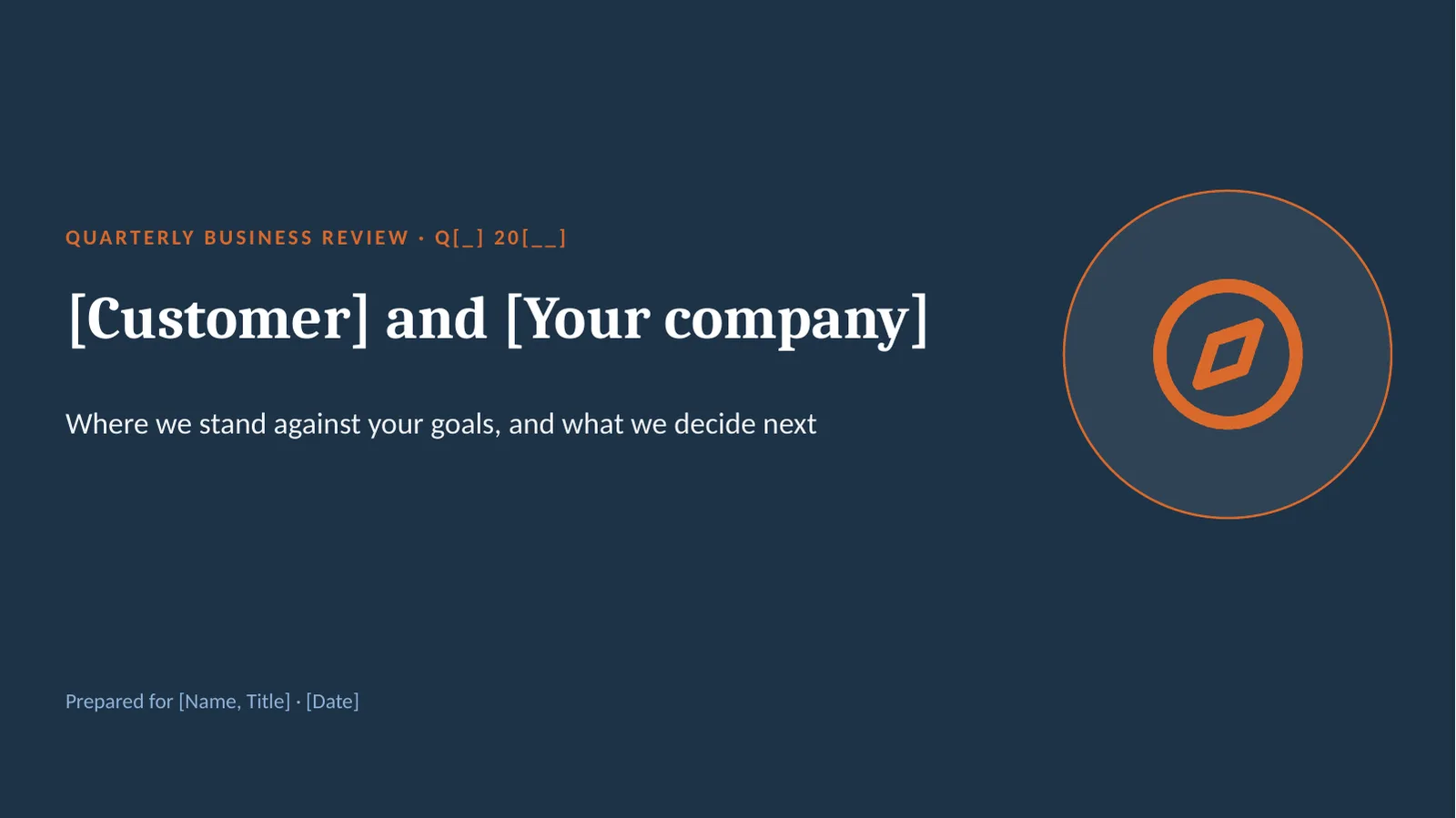
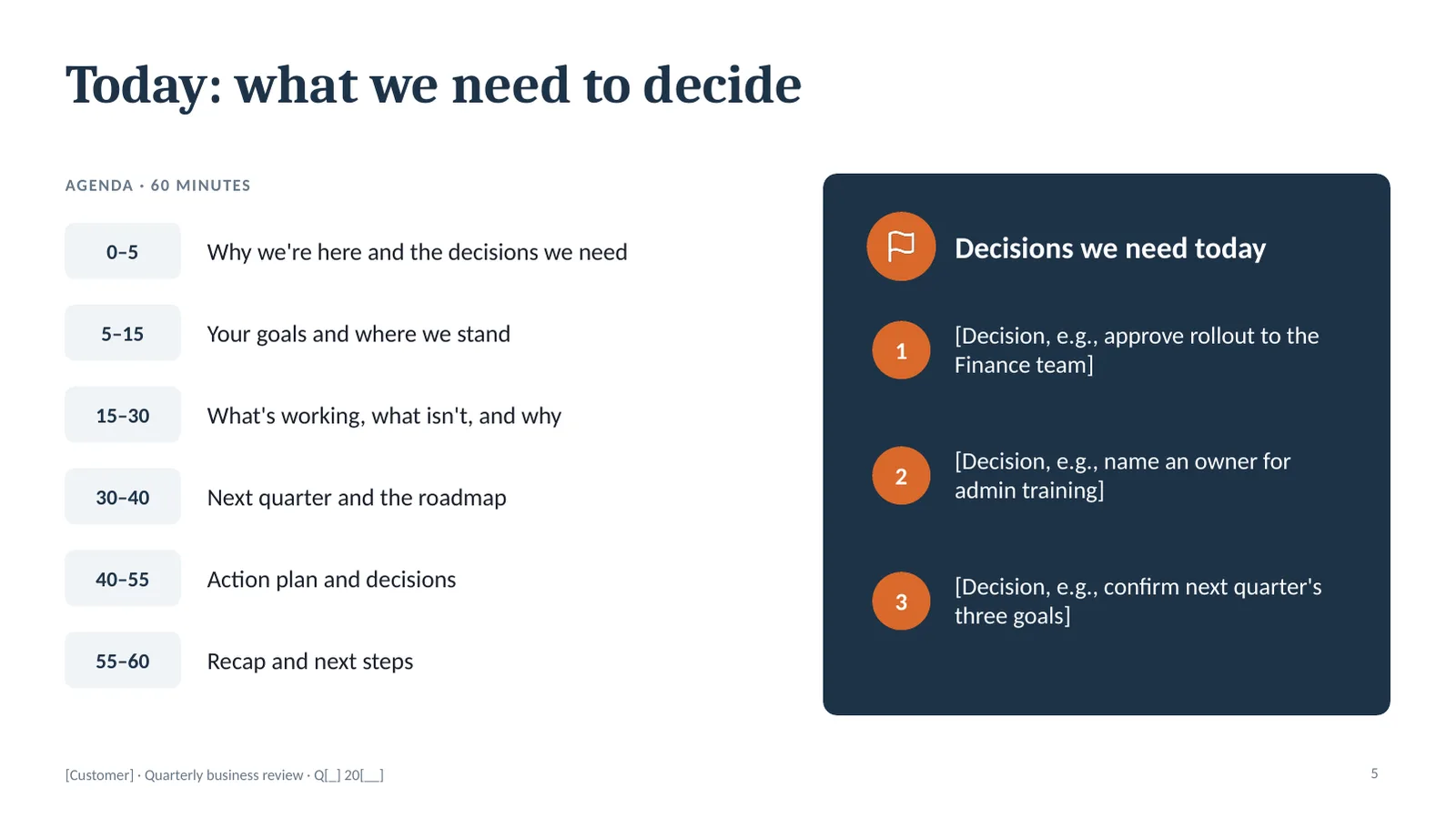
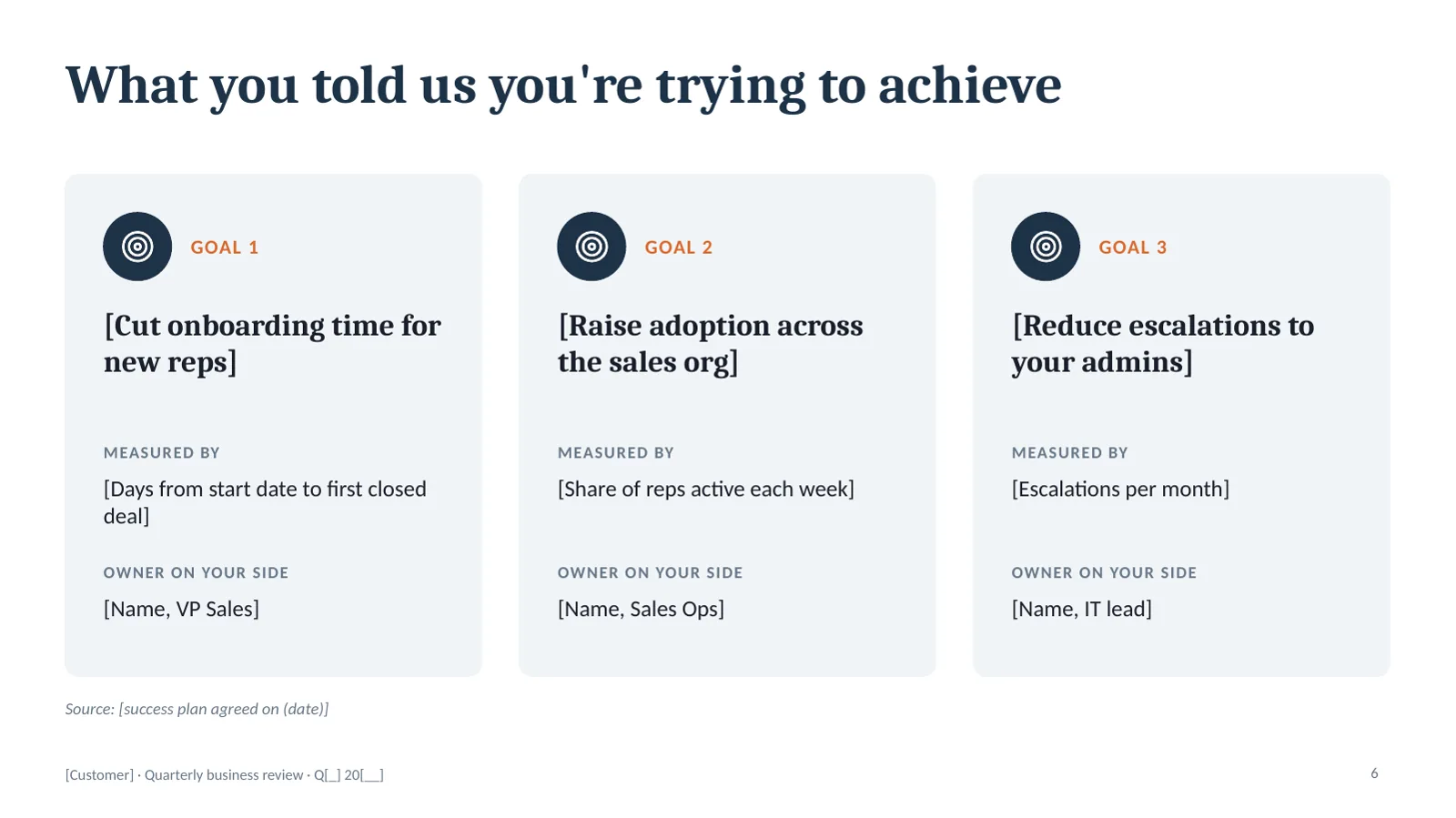
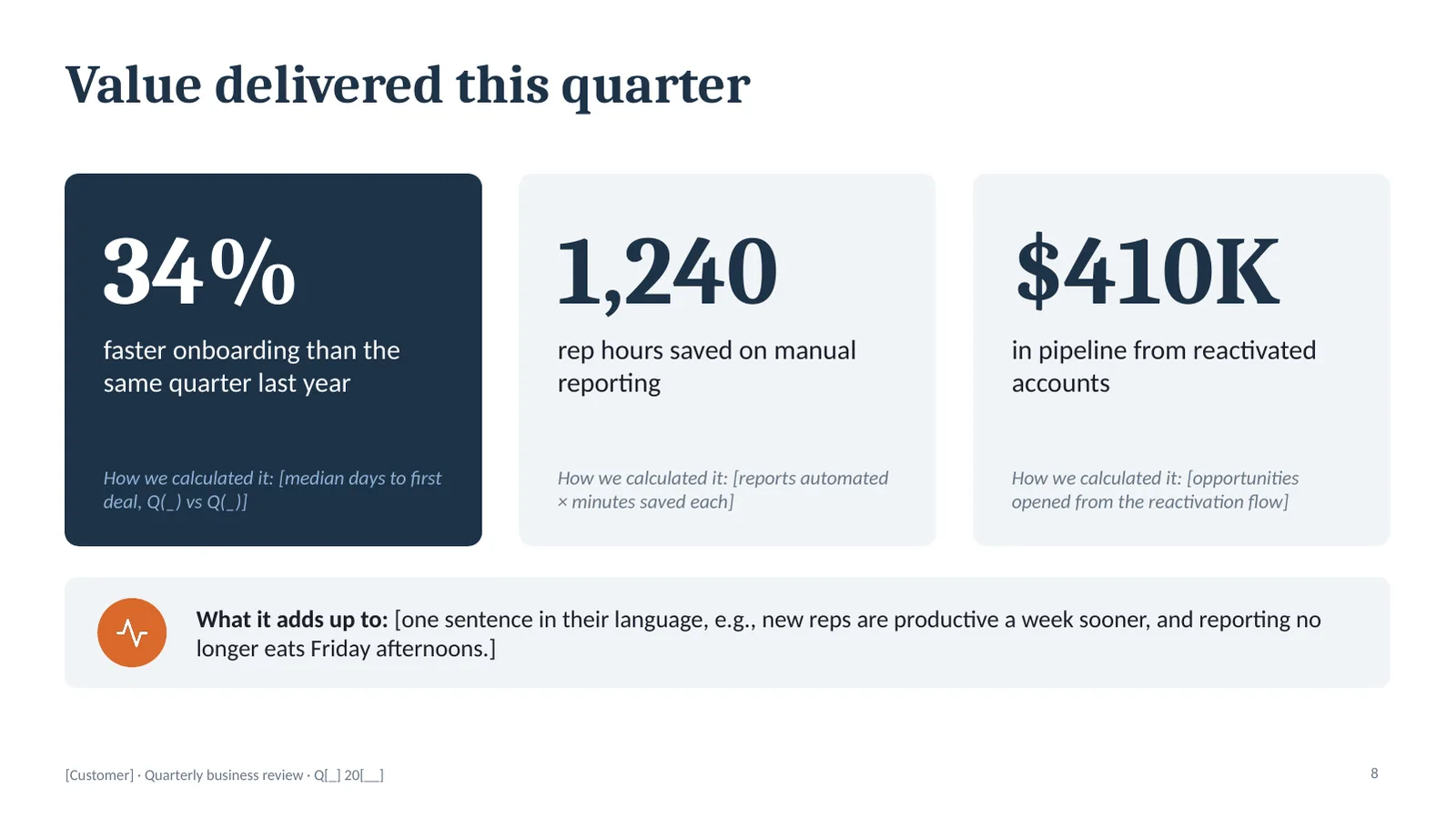
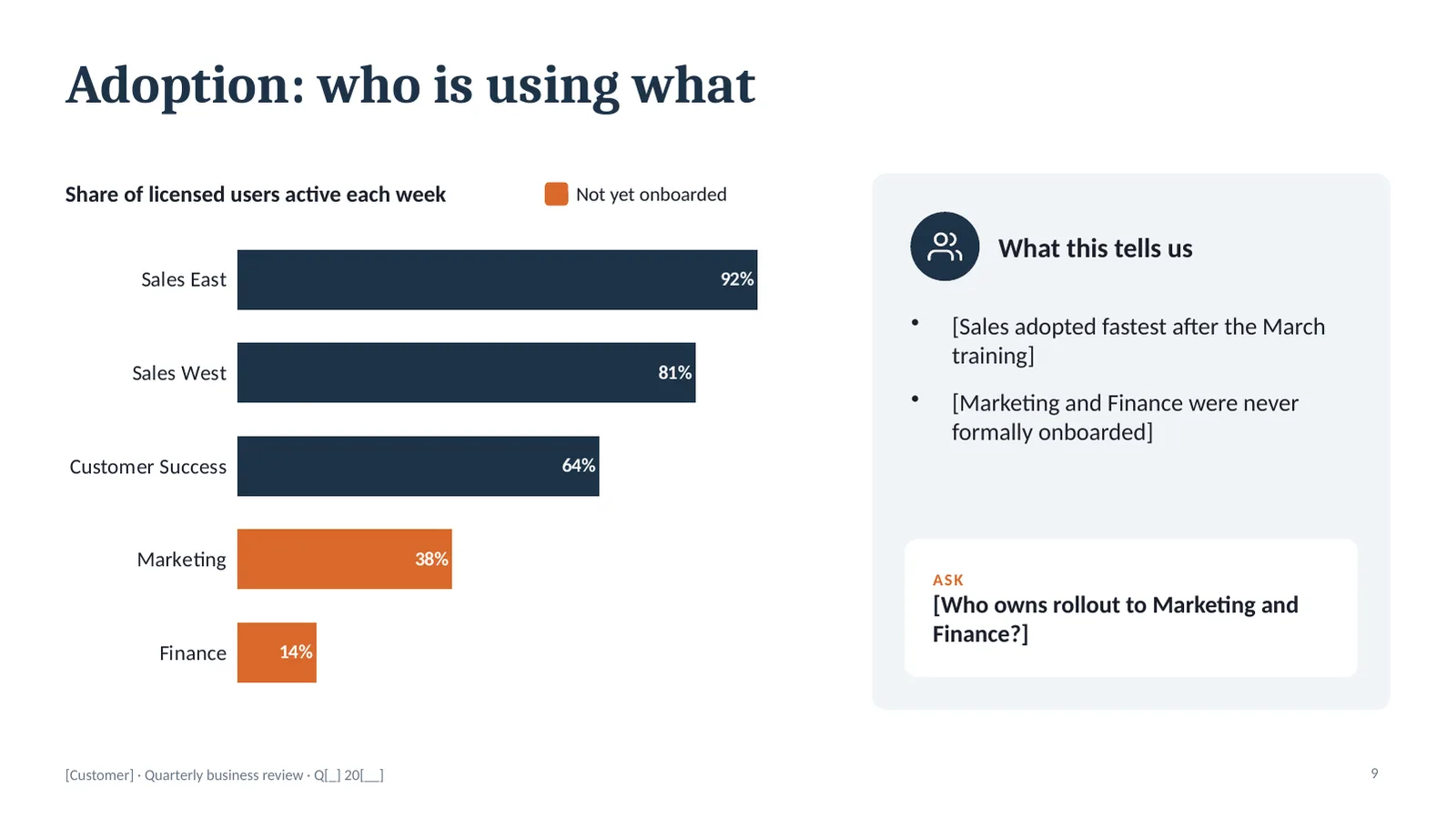
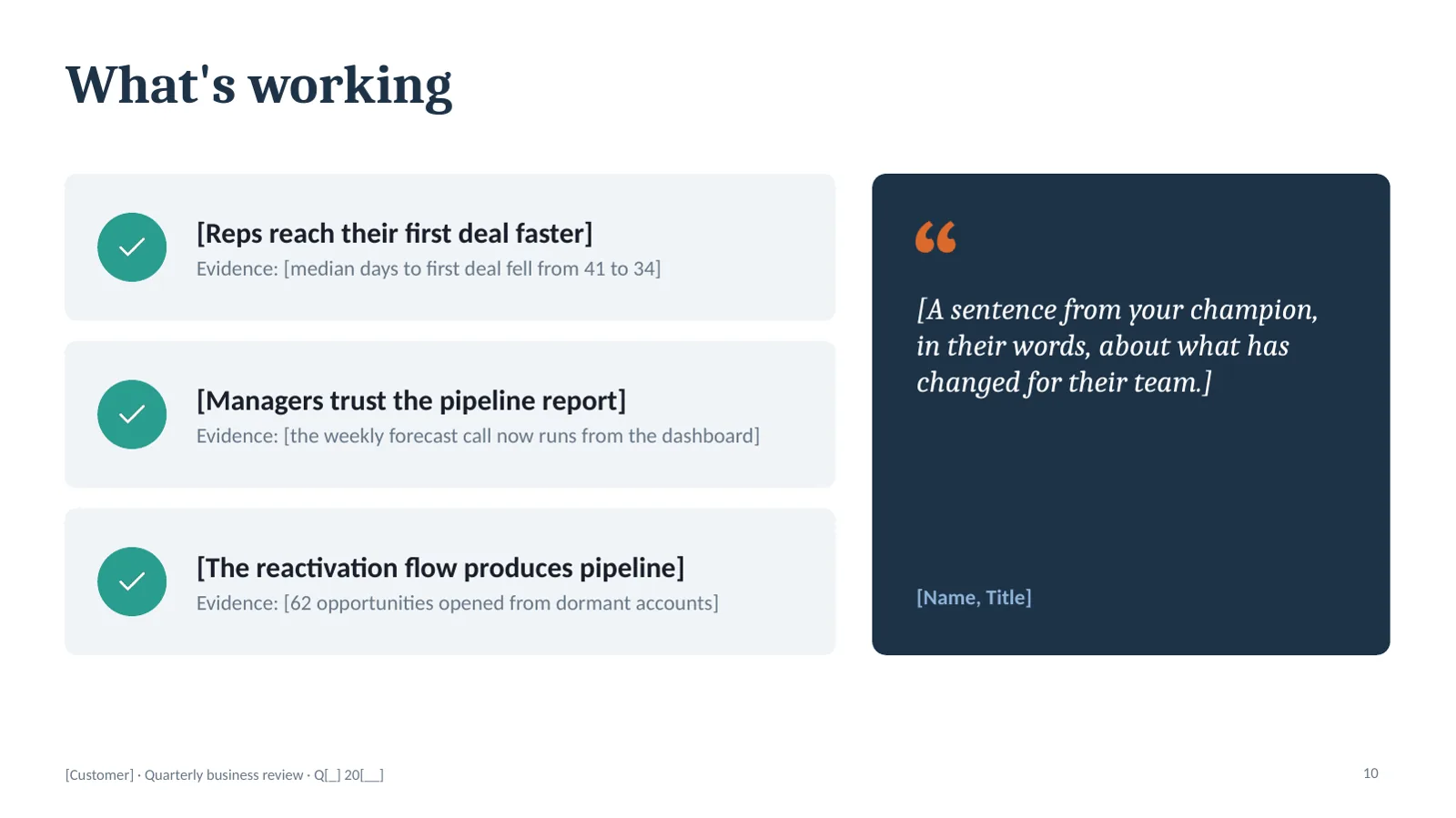
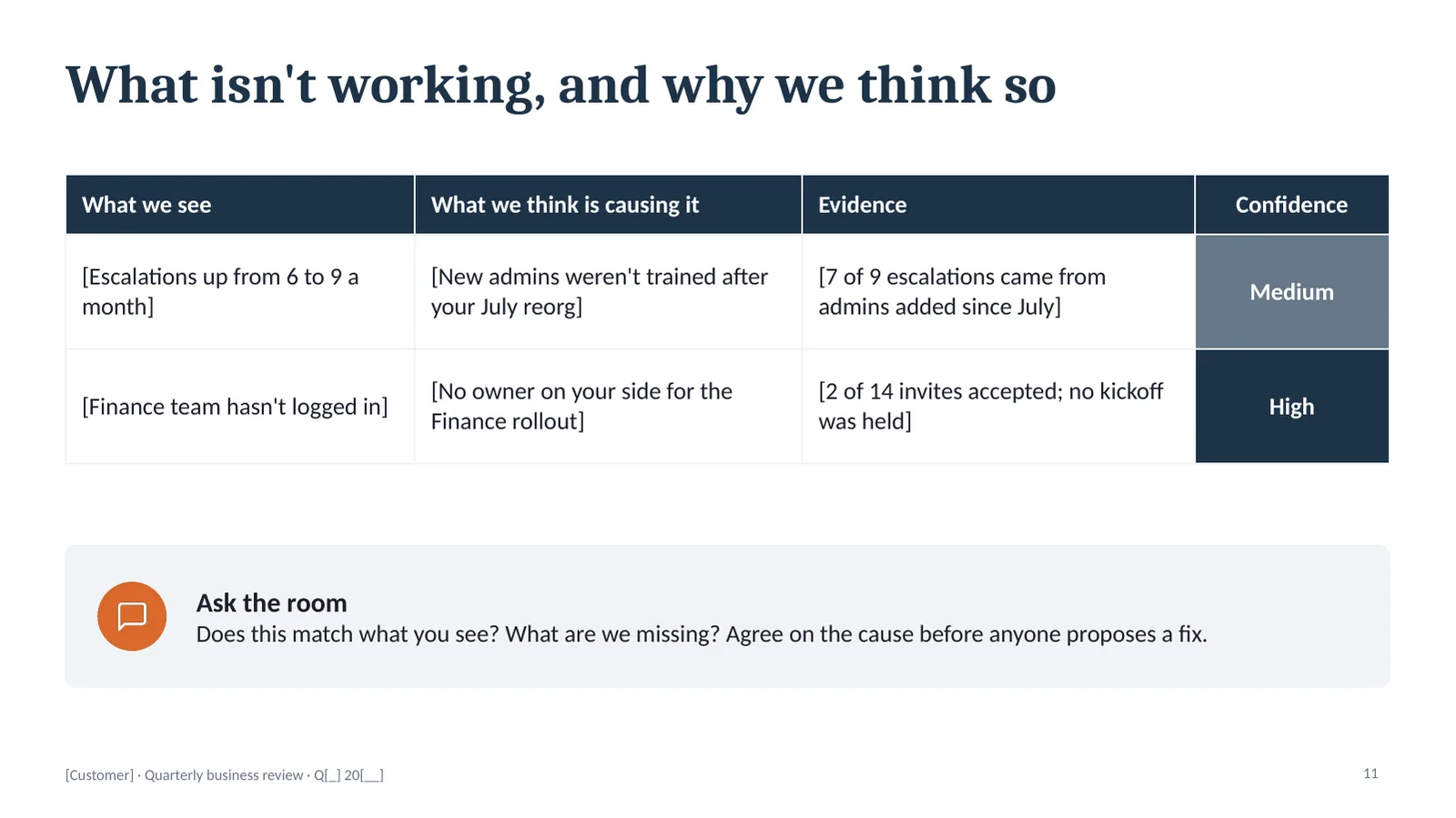
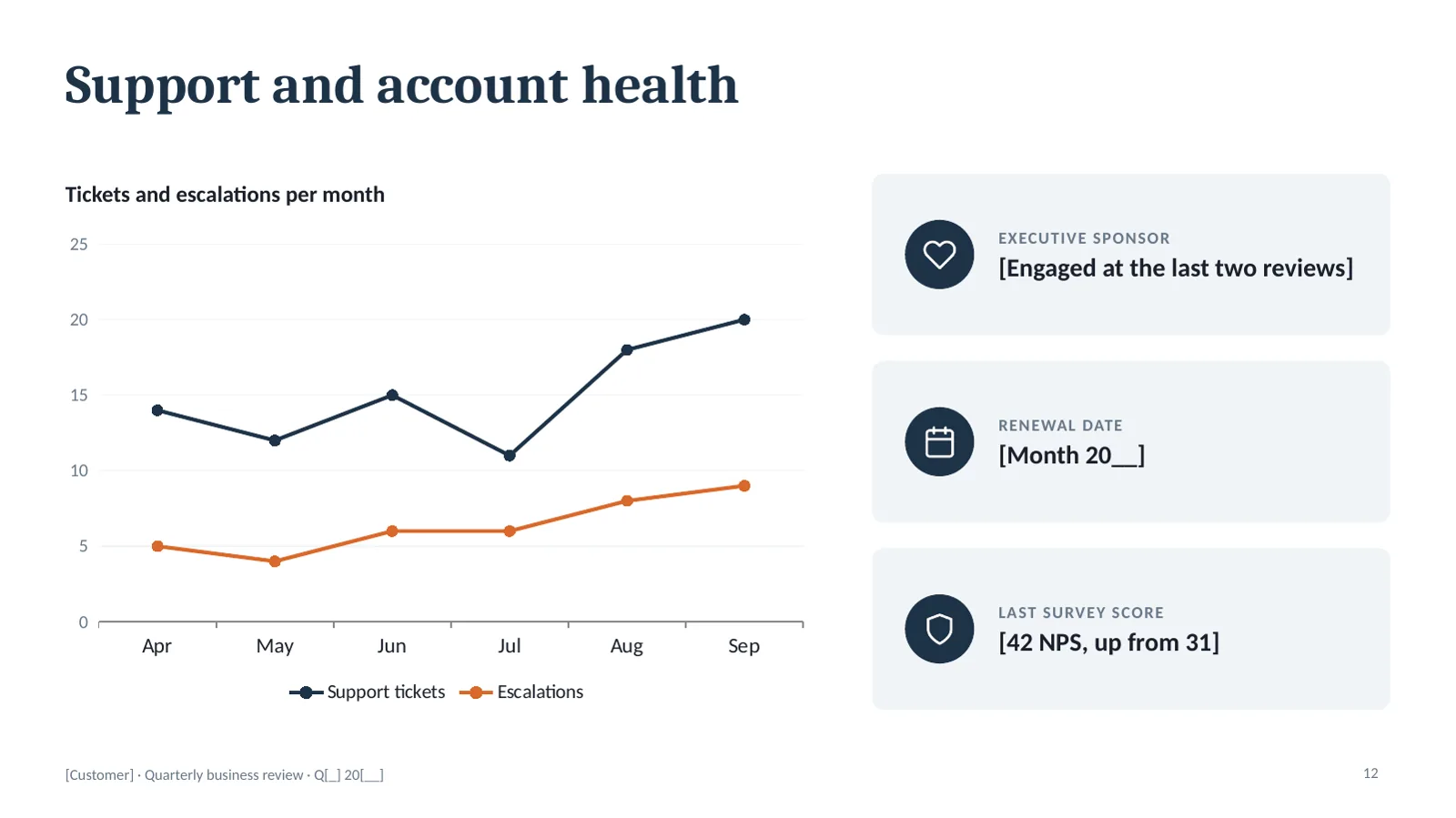
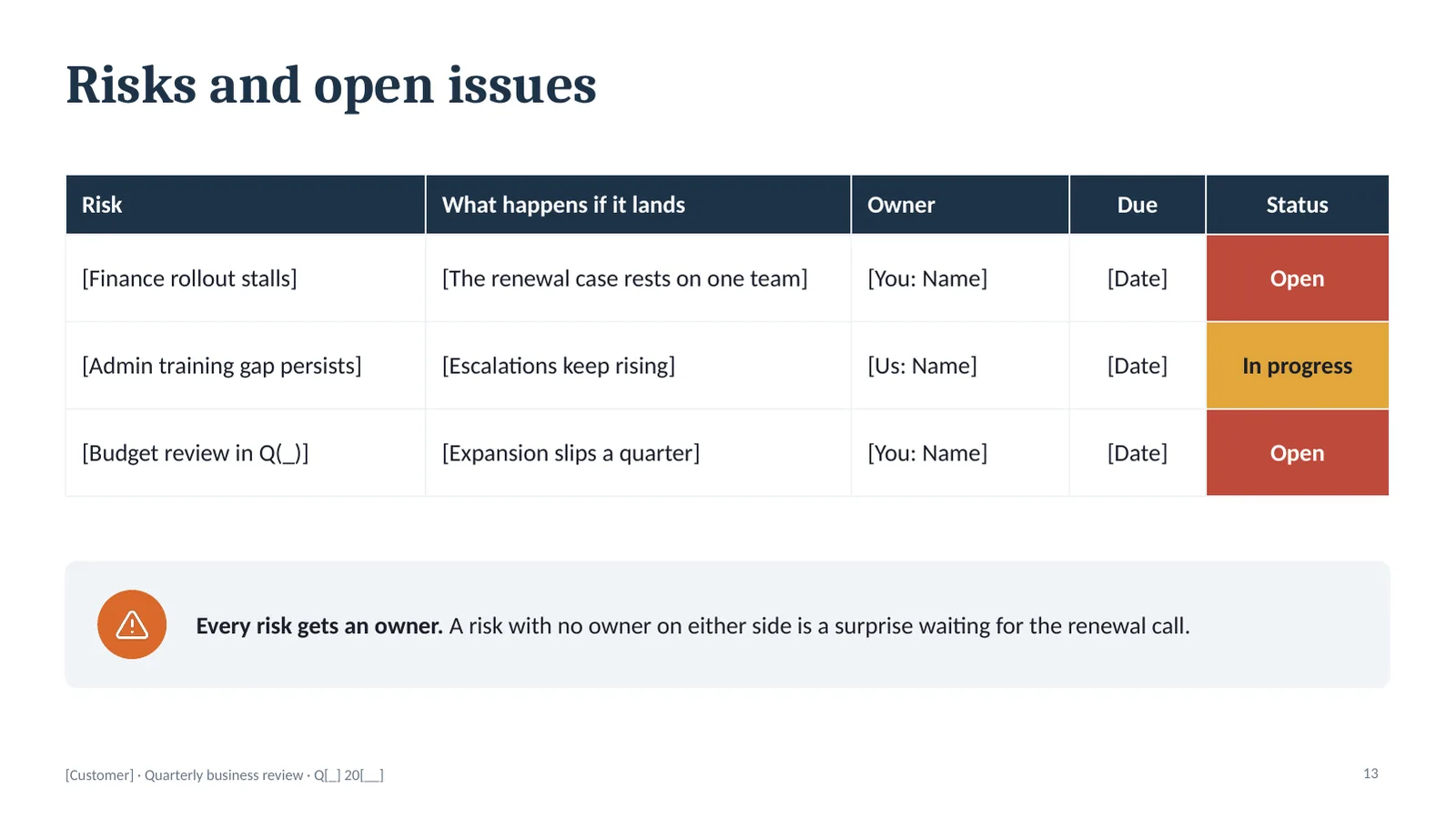
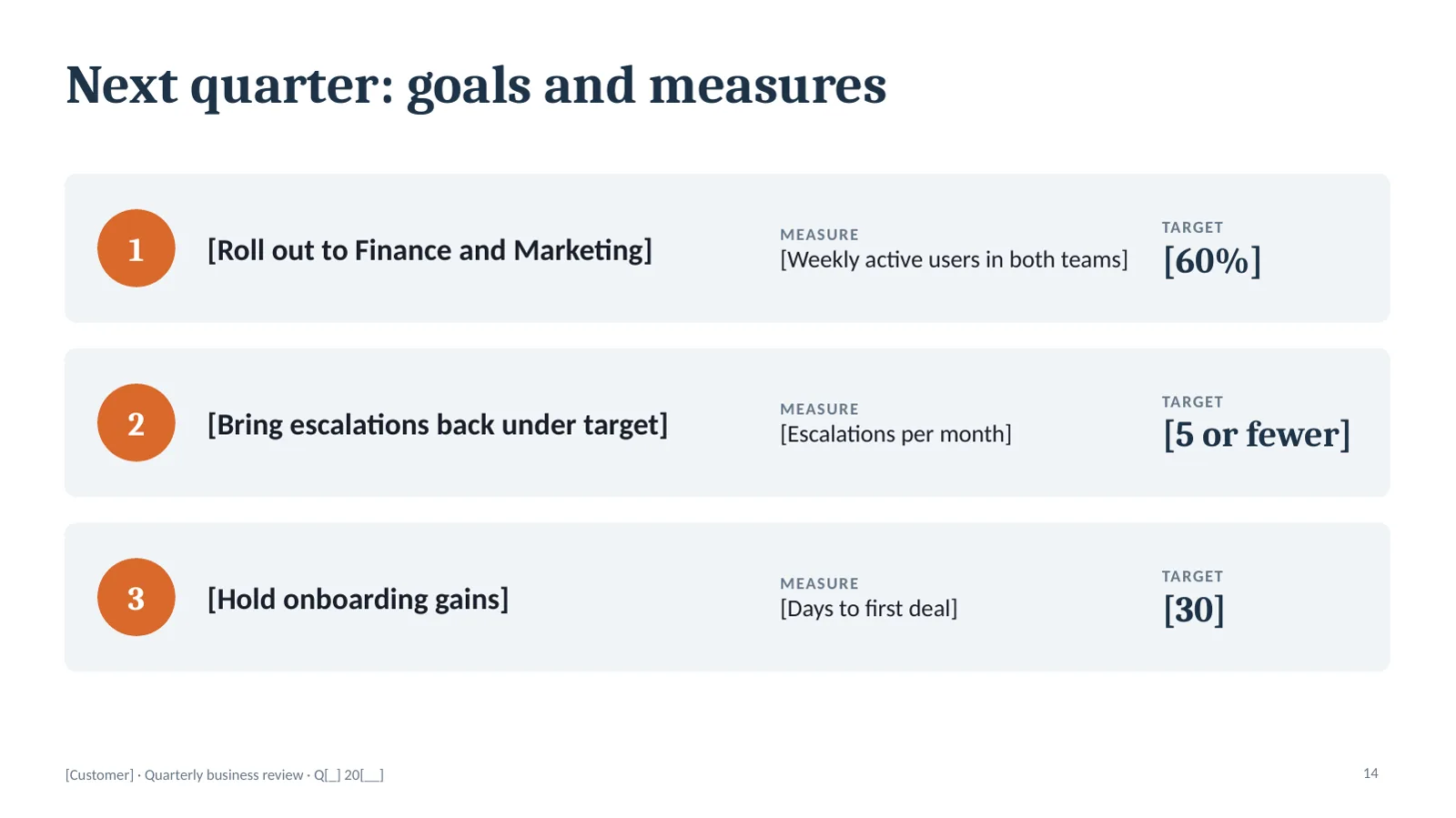
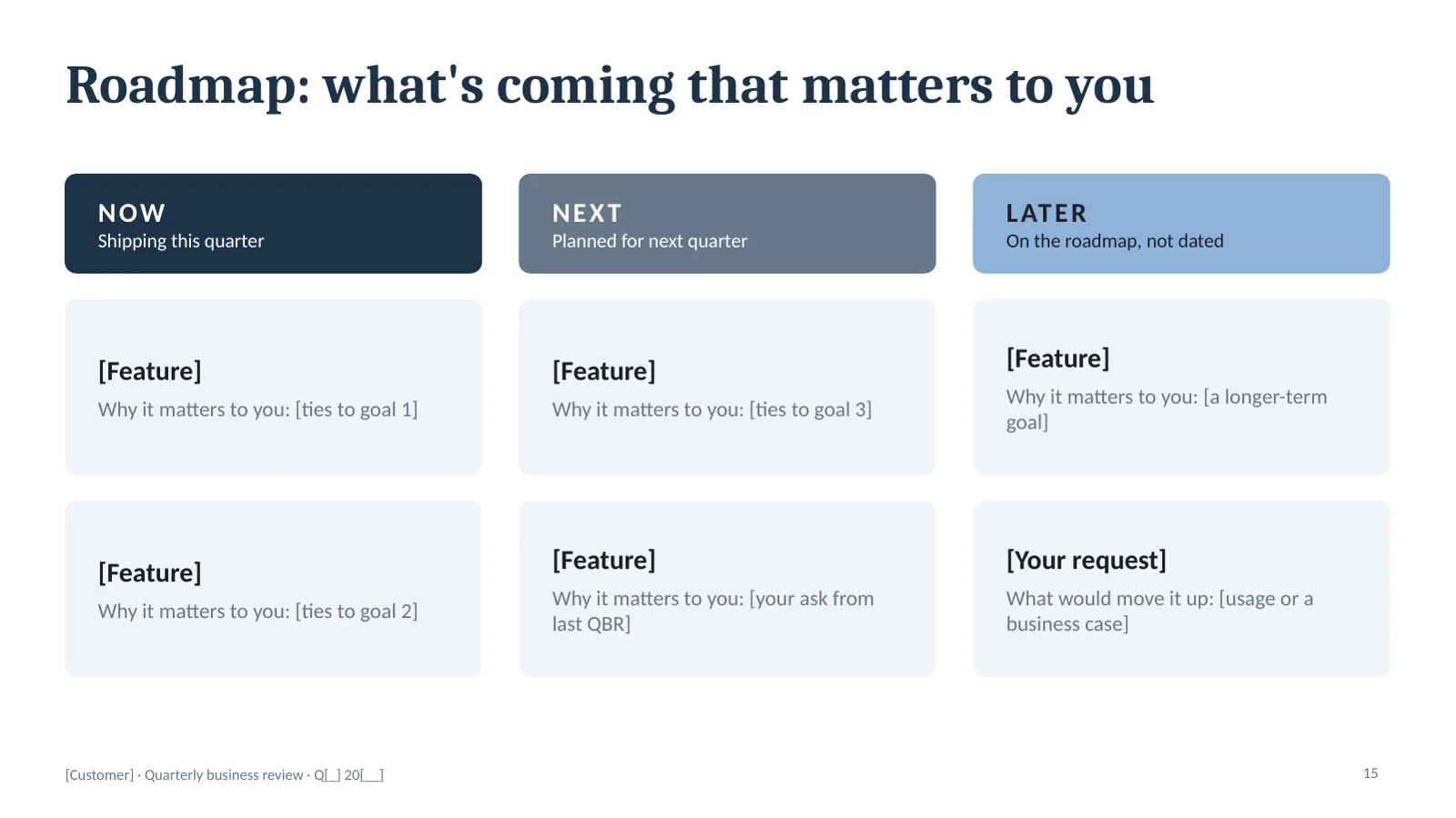
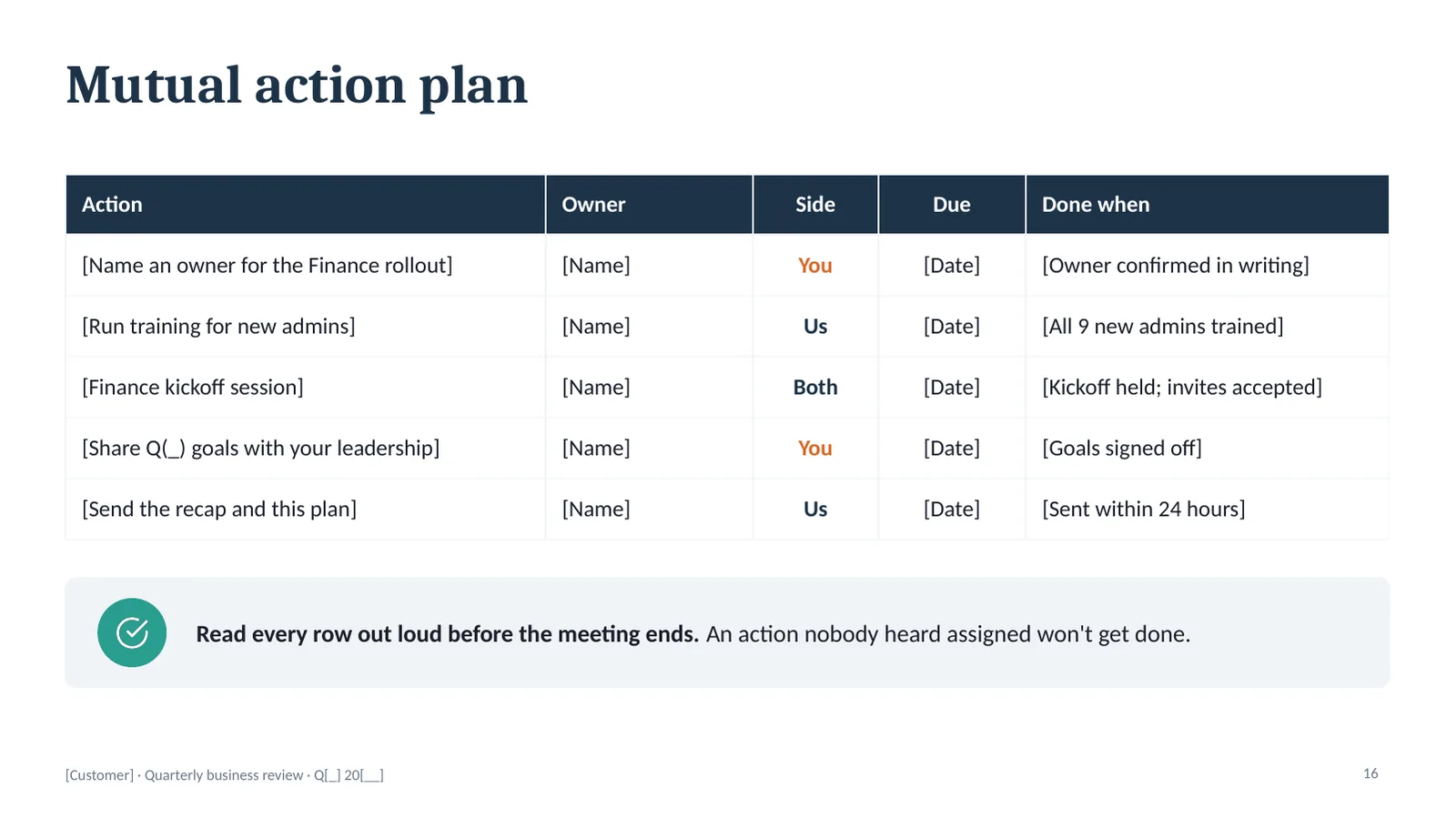
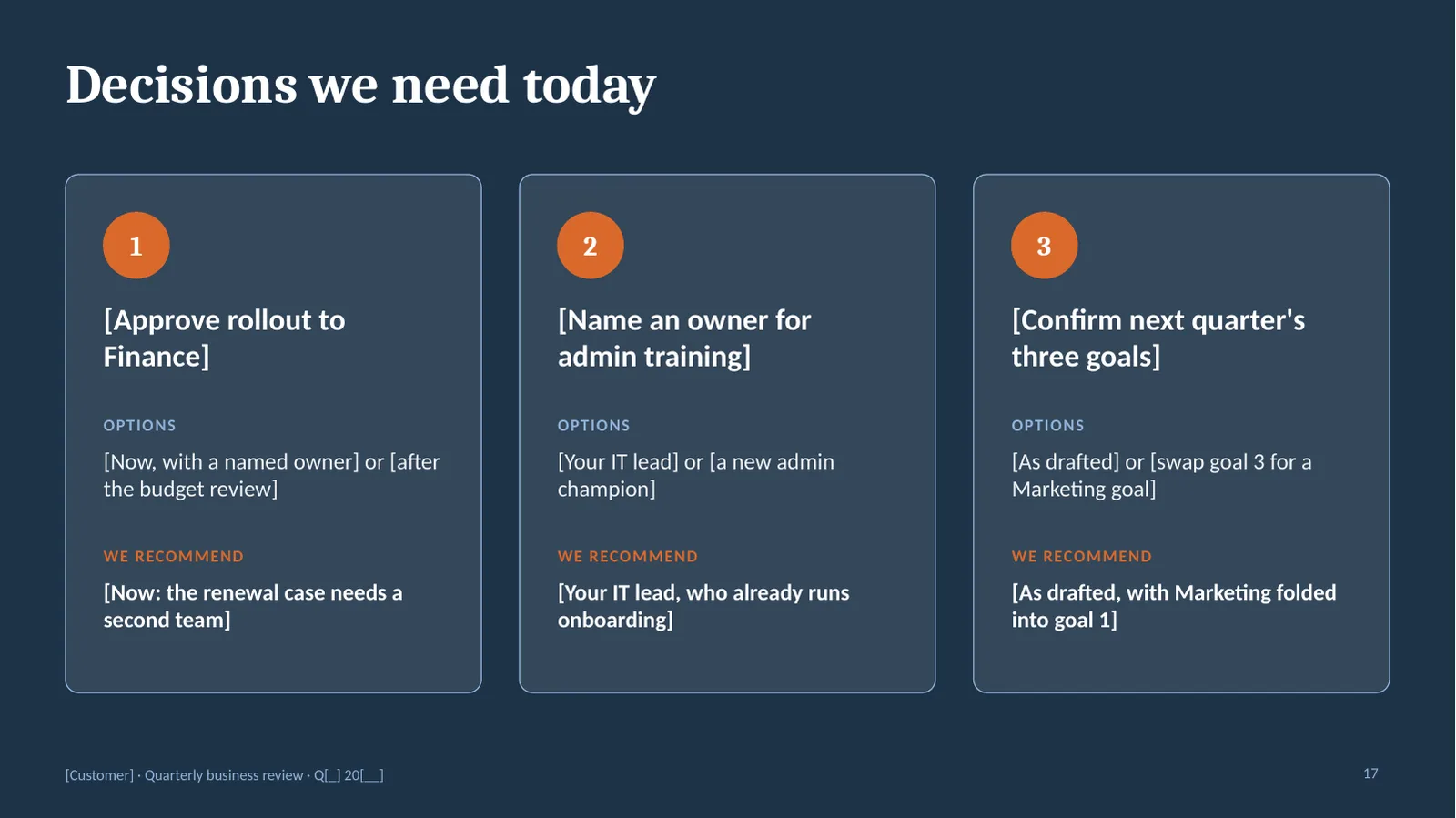
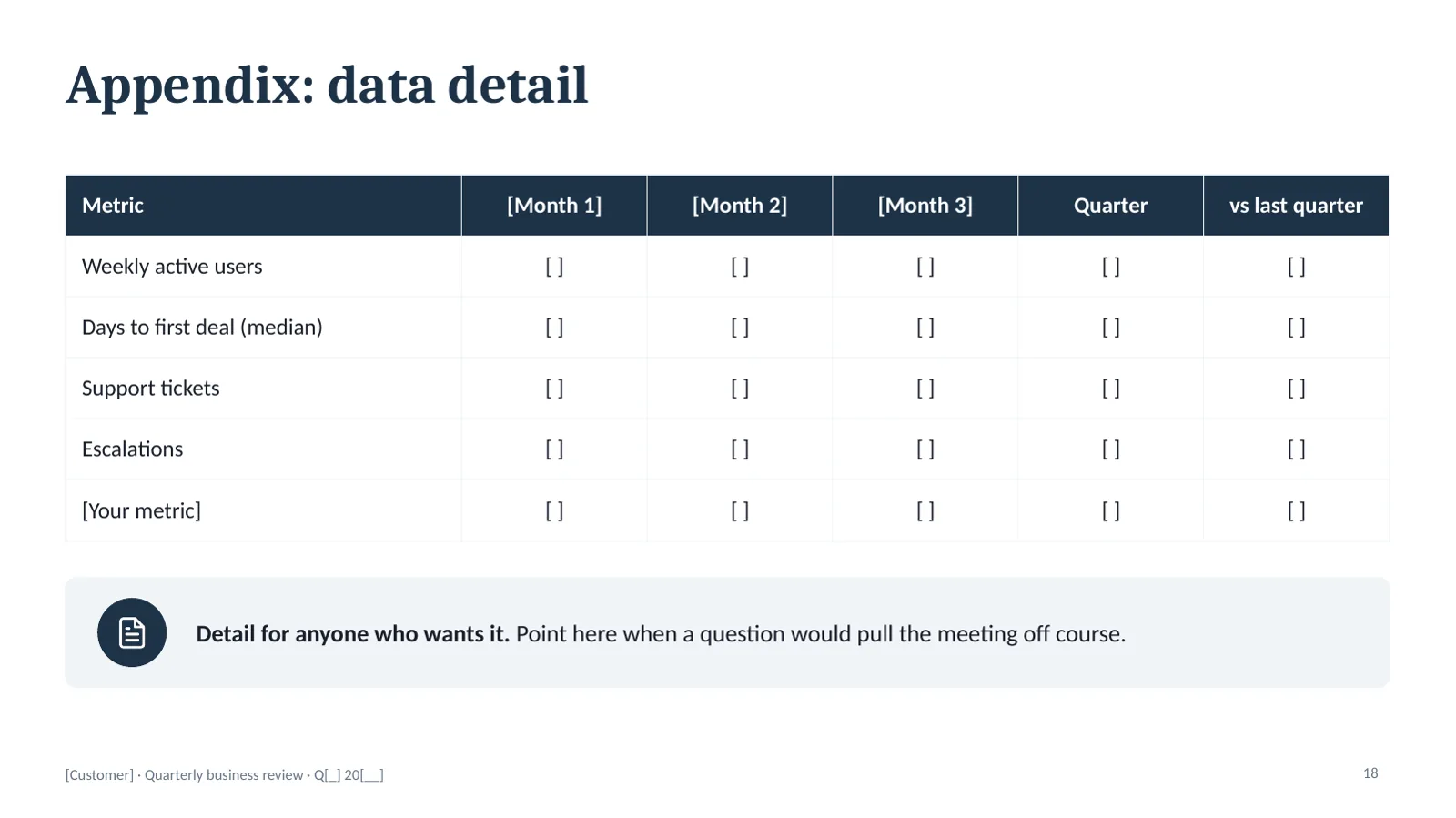
For what goes on each slide and what to cut when you're short on time, read the QBR deck, slide by slide.
Starter deck or full kit
| Free starter deck | QBR kit, $39 | |
|---|---|---|
| Slides | 5: cover, agenda and decisions, goals, scorecard, action plan | All 15, in meeting order |
| Facilitator notes | On those 5 slides | On every slide: what goes there, what to ask, what to avoid |
| The diagnosis slide | No | Yes |
| Value, adoption, health, risks, roadmap | No | Yes |
| Prep timeline and 60-minute run-of-show | No | Yes |
| AI prompts that draft every slide from your notes | No. There's a free prompt for the scorecard and diagnosis. | Yes, six prompts |
| Format | PowerPoint, 16:9, opens in Google Slides | PowerPoint, 16:9, opens in Google Slides |
Get the full QBR kit
All 15 slides, notes on every one, six AI prompts that draft the deck from your notes, the prep timeline from two weeks out to the day after, and the run-of-show for the hour. 30-day refund if it isn't right for you. Change the theme colors and fonts once and every slide follows your brand.
Checkout opens soon. Take the starter deck now, and get the scorecard if you want to hear when the kit is ready.
Why this template runs in this order
Open most QBR templates and you'll find the same sequence. Company overview. Usage charts. Support tickets. Roadmap. Questions?
That's a vendor talking about itself for an hour. The customer learns nothing they couldn't have read in an email, and the meeting ends without a decision. Then the real problem shows up on the renewal call, where it's too late to fix.
This template runs the other way.
- Their goals come first. The scorecard measures the quarter against what the customer said they wanted. Not against what your product can count.
- The diagnosis gets the most time. Before anyone proposes a fix, you agree on what isn't working and what's causing it. A wrong read of the cause makes the action plan a matter of luck.
- It ends in decisions. The agenda slide names the two or three decisions you need. The last slide asks for them, with options and a recommendation.
If a QBR has nothing to decide, it should have been an email.
How to use the template
- Start two weeks out. Pull the goals, the results and the support history. Call your champion and ask what their boss cares about this quarter.
- Fill in the scorecard first. If you can't state the customer's goals and how each is measured, stop. That gap is your first agenda item.
- Write the decisions before the slides. What do you need decided in the room? Build the deck to earn those decisions.
- Send the scorecard as a pre-read. Nobody should see the numbers for the first time in the meeting.
- Fill in the action plan live. Read every row out loud before the meeting ends.
The full walkthrough is in how to run a QBR that ends in decisions. To see the template filled in, look at three completed QBR examples.
QBR template questions
What should a QBR template include?
At minimum: the customer's goals, a scorecard of results against those goals, what's working, what isn't working and why, next quarter's goals, an action plan with owners and dates, and the decisions you need. A template that stops at usage charts and a roadmap is a report, and a report doesn't need a meeting.
Does this QBR template work in Google Slides?
Yes. Both the starter deck and the full kit are PowerPoint files in 16:9. Upload the file to Google Drive, open it with Google Slides, and it converts. Fonts fall back to close matches.
Is the starter deck really free?
Yes. It's five slides from the full kit with their facilitator notes, plus a last slide that says what the full kit adds, and you don't need to give an email address to download it.
How many slides should a QBR deck have?
About fourteen for a 60-minute meeting, plus an appendix for detail. More than that and you'll spend the hour presenting instead of deciding.
Can I use this for an internal quarterly business review?
Yes. Swap the customer's goals for the team's goals and the executive sponsor for whoever can make the decisions. The order holds: goals, results, diagnosis, decisions.
What's the difference between a QBR template and a QBR deck?
People use the terms interchangeably. Here, the template is the reusable file with placeholders, and the deck is what you present after you've filled it in for one customer.